Repayment
Title Loan Website Down? How to Protect Your Payments
By Cash Title Express Editorial Team · Reviewed
November 22, 2026 · 6 min read
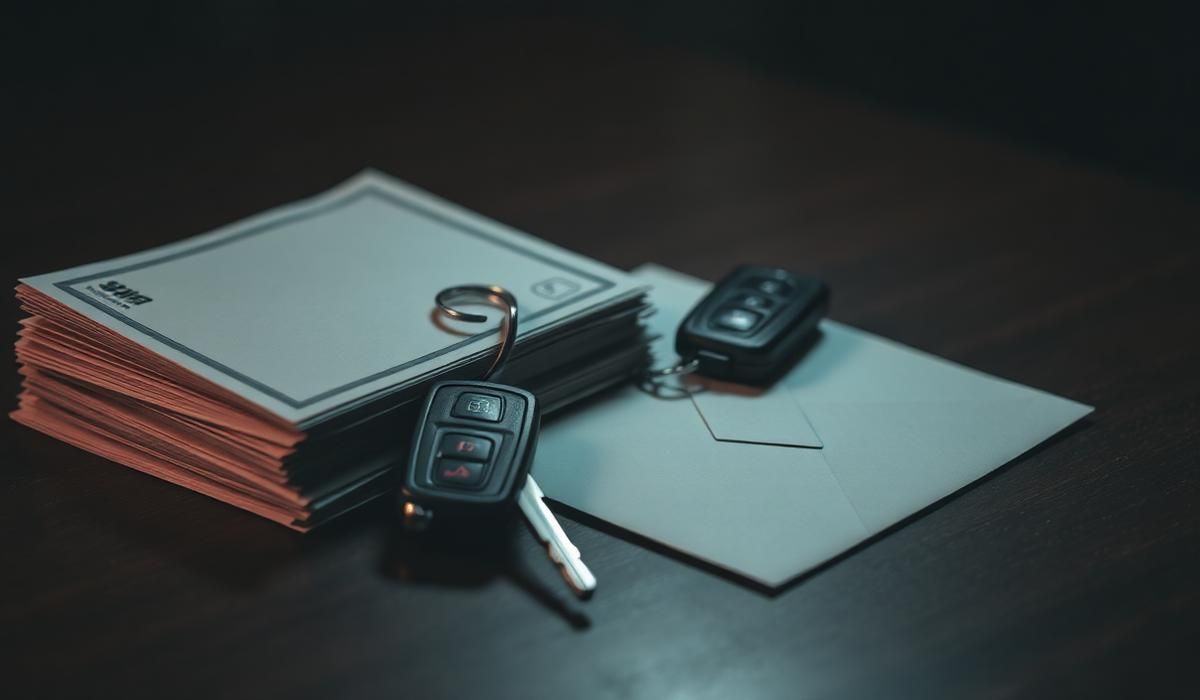
A broken payment portal can put your car loan at risk. Learn how to document outages, avoid duplicate payments, and protect your records.
You have the money for your title loan payment, but the lender’s website will not load—or it accepts your information and freezes without a receipt. That creates two problems: getting the payment credited and proving what happened if a fee or default notice follows. A website outage does not automatically pause your contract, cancel a payment deadline, or stop an authorized bank withdrawal. The safest approach is to preserve evidence, verify whether money moved, and use only confirmed payment instructions. Here is how to handle the disruption without making an expensive mistake.
What this means for your request
- An outage does not automatically extend your payment deadline.
- Check for pending withdrawals before submitting another payment.
- Save timestamped evidence and send a written notice promptly.
- Verify replacement payment instructions through trusted sources.
1. Identify the Problem Without Repeatedly Submitting
Start with the website address saved in your loan agreement or a previously verified bookmark. Avoid sponsored search results and unsolicited links offering a replacement payment page. Check whether the problem affects the whole website, only your account login, or the final payment screen. A published maintenance notice can explain the interruption, but save it: the notice may disappear once service returns. Do not assume scheduled maintenance means your due date has changed.
If you have not submitted a payment, try a different browser or a trusted internet connection. If you already selected the payment button, stop before trying again. A frozen page can mean the payment request succeeded but the confirmation failed. Repeated submissions can produce duplicate withdrawals. Write down the time, amount, and exact message you saw, and check your email and account history for a receipt before doing anything that could authorize another transaction.
2. Create a Record of Your Attempt to Pay
Take screenshots showing the website address, error message, and date and time if available. Record your time zone, especially if you are close to a payment cutoff. Keep an unedited copy of each screenshot and save any maintenance notice as a PDF. If the page shows sensitive information, keep that original securely and make a redacted copy for complaints or other sharing. Never include your password or full bank credentials in a support message.
Send a written message through a verified email address or secure support channel listed in your agreement or earlier account records. For example: “At 6:15 p.m. Central on Tuesday, I attempted my $240 payment due today. The payment page displayed an error and no receipt appeared. Please confirm whether a payment was submitted and provide a verified online payment option.” Request written confirmation of any deadline extension or fee waiver. Your message documents the problem; it does not by itself change the contract.
3. Check Whether a Payment Is Already Moving
Review your bank or debit-card activity through your financial institution’s secure website or app. Look for pending transactions as well as posted ones, and compare the amount and merchant name with past title loan payments. A pending authorization is not always a completed payment, while an ACH withdrawal may not appear immediately. The absence of a bank entry right after an error therefore does not prove that the lender received nothing. Save any transaction reference number you find.
If autopay was already scheduled, the lender’s payment processing may continue even while its website is unavailable. Keep enough money in the account for that authorized withdrawal rather than treating the outage as a cancellation. If a manual payment might overlap with autopay, request written confirmation of which transaction will proceed. A bank transaction can help trace money, but you still need the lender’s account record to confirm that the payment was applied to your loan.
4. Verify Any Alternative Online Payment Route
An outage is an opportunity for scammers to send convincing “new payment link” messages. Verify alternate instructions against your original agreement, previously authenticated correspondence, or a secure lender notice. A familiar logo is not enough. Be especially cautious if a message redirects you to an individual’s payment account, asks for cryptocurrency or gift cards, or demands a special fee to restore account access. Do not send money through an unfamiliar service merely because the deadline is approaching.
For a legitimate alternative, confirm the payment recipient, processing fee, cutoff time, and expected crediting date before authorizing it. Ask how your payment will be matched to your loan and what receipt you will receive. If a third-party processor is involved, establish that the lender authorizes it. Avoid transmitting complete bank details through ordinary email. Cash Title Express is a marketplace; for an existing loan, use the creditor or servicer identified in your signed agreement rather than assuming the marketplace processes repayments.
5. Address the Due Date and Any Default Risk
Read your agreement’s payment provisions, including cutoff times, grace periods, and approved payment methods. These are different issues: a grace period for late fees does not necessarily postpone every consequence of a missed due date. State law may also affect fees, notices, and enforcement. There is no universal rule that a title lender’s website outage automatically gives every borrower extra days to pay. Keep the payment funds available while seeking a working payment route and a written resolution.
If the deadline passes, ask the lender in writing to credit the payment appropriately, remove outage-related charges, and confirm whether collection or repossession activity will be paused while the problem is resolved. Include your timeline and screenshots, but do not assume your request has been granted. If you receive a default or repossession notice, address its deadlines promptly even if your complaint remains unanswered. Online legal-aid intake or a state consumer protection agency may help you identify applicable protections.
6. Reconcile the Account After Service Returns
Once access returns, download the payment history and check the amount paid, effective date, fees, and remaining balance. A successful bank withdrawal does not establish that the lender credited the correct date or account. Compare the restored records with your bank activity and saved receipts. If anything is wrong, send a focused written dispute identifying the transaction, the discrepancy, and the correction requested. Ask for an updated account ledger rather than relying only on a dashboard that says “current.”
If two payments went through, request written confirmation of how the extra payment was applied and whether a refund is available. Do not assume it covers the next scheduled installment. If the lender does not resolve documented problems, submit a complaint through the appropriate state financial regulator or the Consumer Financial Protection Bureau, which may forward it to the appropriate agency. Save the complaint number and responses. A complaint does not itself suspend payment duties or repossession, so keep monitoring the account.
A broken website is not something you control, but your response can make a difference. Keep the payment funds available, preserve a clear timeline, verify any replacement payment route, and check how the payment was credited afterward. Those steps help you challenge avoidable charges without assuming that an outage alone protects your car.
Answers before you apply
- Does a screenshot of an error count as proof of payment?
- No. It supports your account of an attempted payment, but it does not establish that money was received or credited. Keep it alongside bank records, receipts, and written correspondence.
- Should I block autopay while the lender’s website is down?
- Not solely because of the outage. A website failure does not necessarily affect scheduled withdrawals. Blocking a valid payment could create a missed payment or returned-payment charge. First verify whether a withdrawal is scheduled or already processing.
- What if the website stays unavailable for several days?
- Continue documenting the outage and using verified written support channels. Request a secure payment alternative and written treatment of the deadline. If no route is available, seek help through your state financial regulator’s online complaint process rather than assuming the debt is paused.